
Campaigns lists every campaign in one table. The Type column says how each one runs, and the filter rail narrows the list by type, status, tag, design and time.
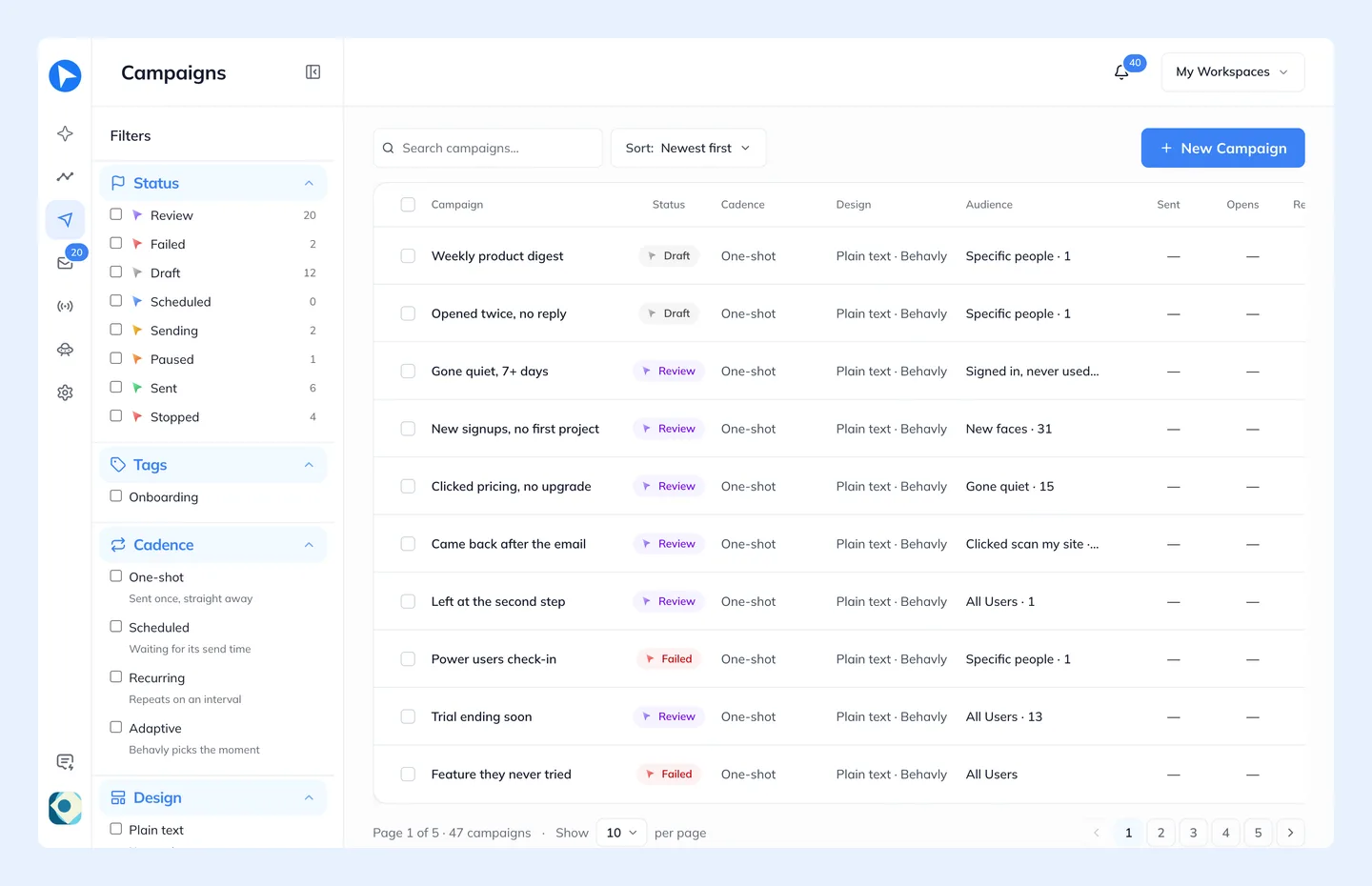
Type
- Pattern · Once
- A Pattern Campaign that sends its path to the group once.
- Pattern · Always on
- A Pattern Campaign that takes in everyone who joins the group.
- Trigger
- A Trigger Campaign: people enter when your product sends the trigger.
- Guided
- Made with the earlier guided campaign wizard. See below.
Status
- Draft
- Not activated yet. Nothing sends.
- Scheduled
- Activated with a start date. Nobody enters and nothing is sent until then.
- Active
- Running: people are entering and moving along the path.
- Paused
- Nothing sends. Everyone keeps their place.
- Completed
- Everyone has been through the path. A campaign that runs Once ends here by itself.
- Stopped
- Ended for good. Nothing more is written or sent.
- Review and Failed
- Only on guided campaigns.
A Campaign's Own Page
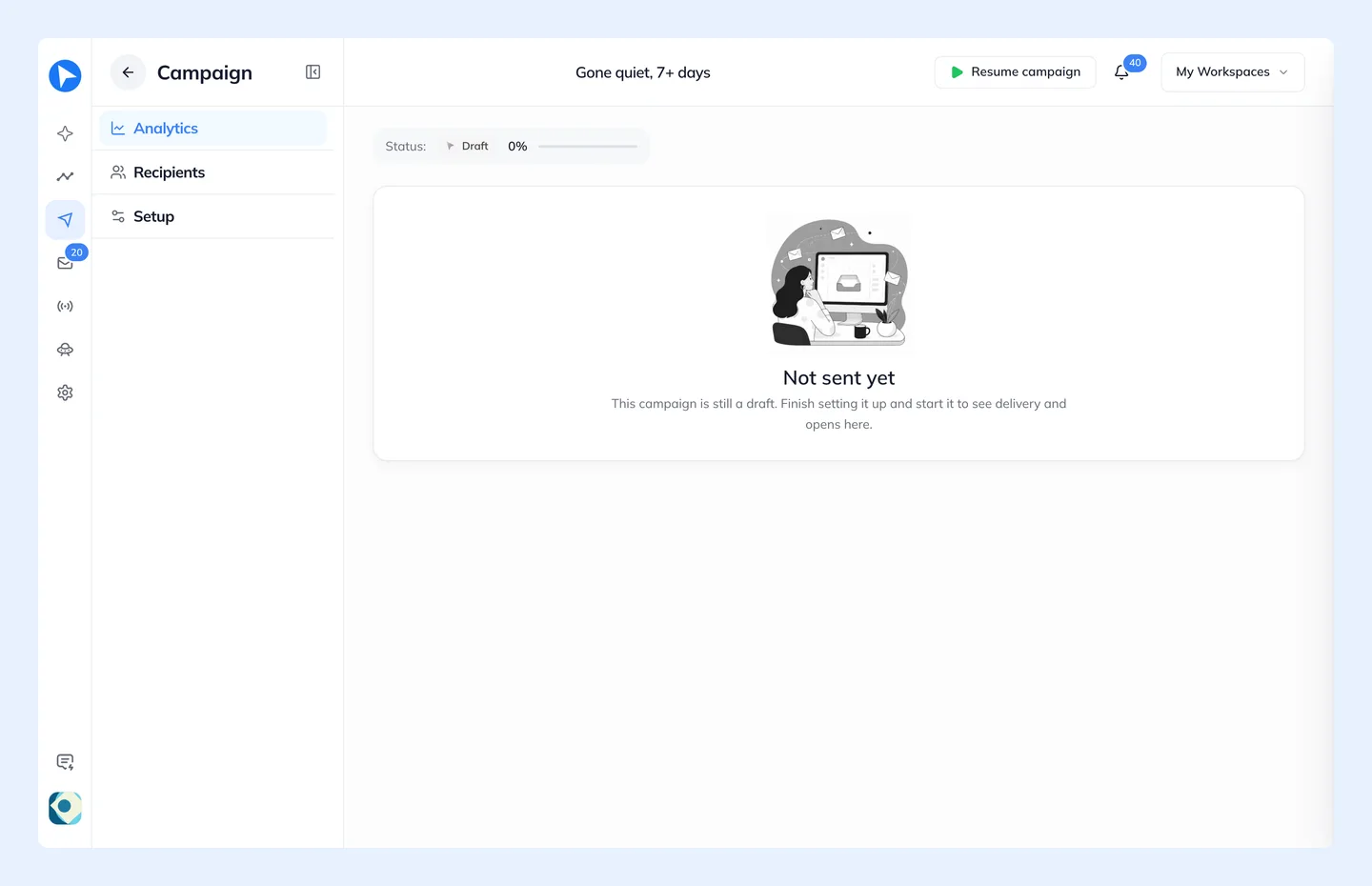
Open a campaign to see it on its own page, with Analytics, Audience and Automation. Audience lists each person and every email they received, and Automation opens the campaign's path in the builder. A Guided campaign's third view is Setup, its settings.
A campaign carries its own chart over a date range you pick, starting from Since sent. Aggregate email performance across campaigns lives in Insights → Campaign performance.
Pausing, resuming and stopping are covered in Running A Campaign.
Guided Campaigns
New campaigns are always Pattern or Trigger Campaigns. Campaigns made with the earlier guided wizard stay in the list, marked Guided, until they finish. You can open one to follow its results, and delete it. One in Review waits for you to approve its emails on its own page.
What those campaigns did is now part of every path. Always on keeps taking in whoever joins a group, so there is no need to repeat a send on a cadence. Waits and branches decide each person's next email from what they did.