
The bell in the header, also reachable from your profile menu.
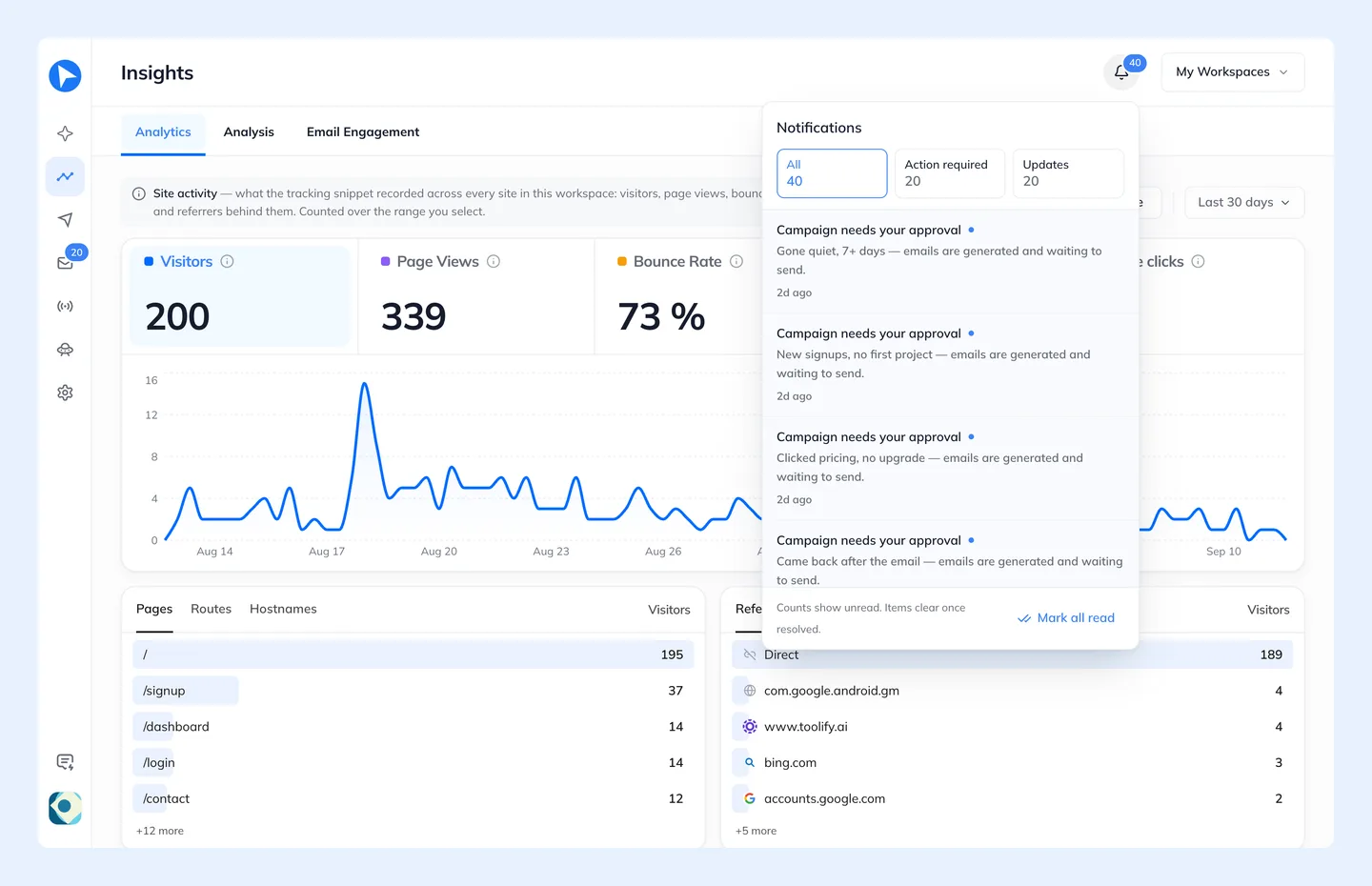
- Campaign needs your approval
- A guided campaign is in Review with emails generated and waiting on you.
- Someone replied
- An unread reply in your Inbox.
- Tracking has gone quiet / stopped
- A verified source has sent no events for over a day, or over a week.
- Audit events
- Thirteen security, destructive and compliance events from your audit log — password and email changes, members invited or removed, workspace or campaign deletion, a sending account disconnected or paused by its bounce limit, DSAR actions, and AI-privacy or Brand website changes.
Routine activity — logins, campaign creation — is deliberately excluded. A notification list that reports everything is a list nobody reads, and the events above are the ones you would want to be interrupted for.
Repeated audit events of the same type collapse into one row with a count, and audit events older than 30 days are treated as history rather than news.