
Behavly identifies people two ways, and keeps the results apart.
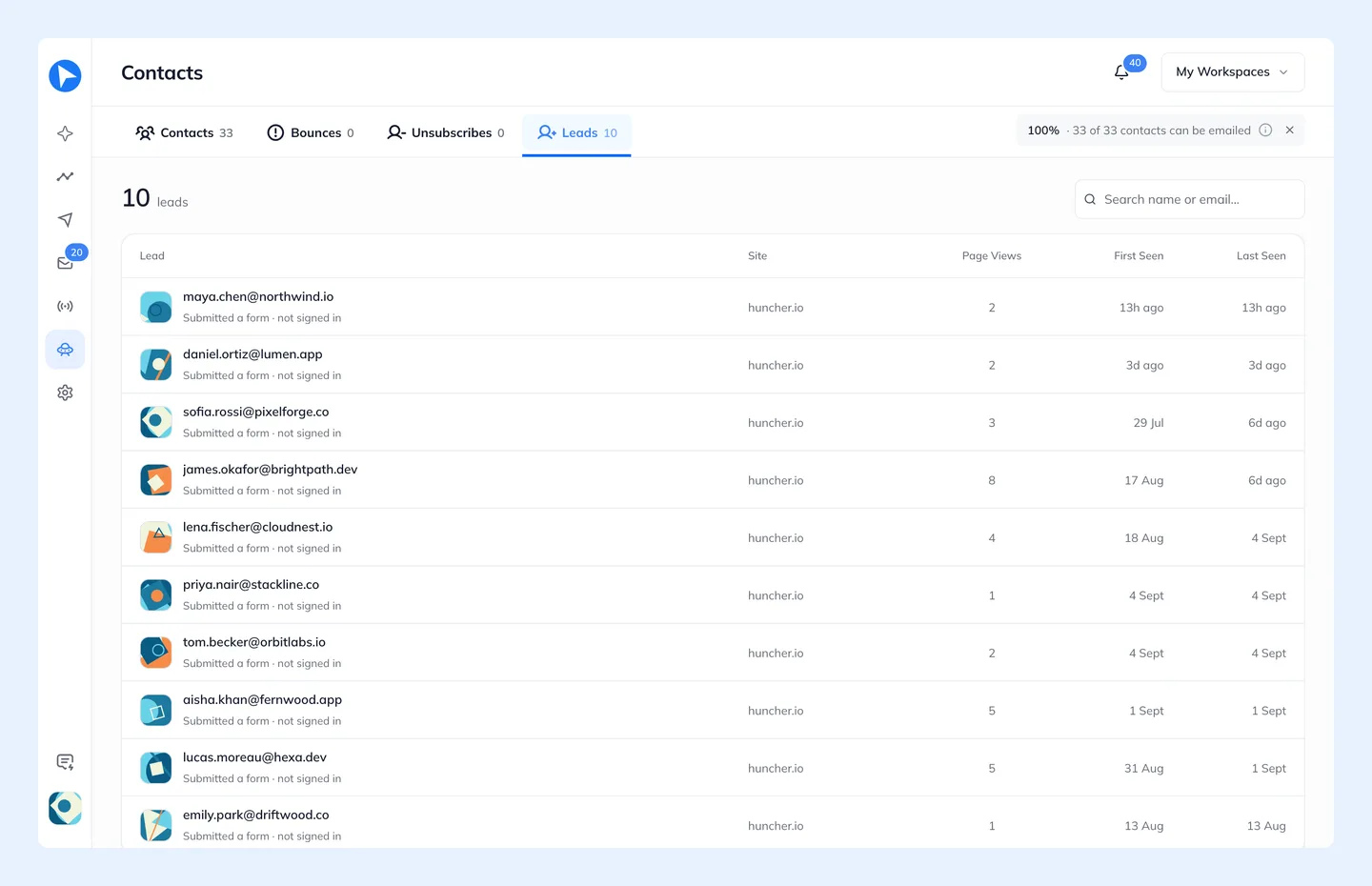
| Contact | Lead | |
|---|---|---|
Identified by | Signing in on your site | Submitting one of your forms, clicking a link in one of your emails, or added by you |
Has used the product | Yes | Not necessarily |
In the All users group | Yes | No — their own group, Form leads |
The distinction matters because the two want opposite emails. A lead needs a reason to start; a user needs a reason to come back. Folding them together makes both campaigns worse, so All users excludes leads and a Pattern Campaign offers Form leads as its own group.
How Behavly Writes To Leads
Emails to the Form leads audience are never written from activity. They start from your Brand info (what you saved on Brand, plus what Behavly reads from your website), and what else goes in depends on whether the lead is a business or a private person:
| Lead | What the email does |
|---|---|
Business: their address is at a company, you sell to businesses, and the company's website can be read | Behavly reads their company's website (anna@northwind.com → northwind.com) and writes one concrete thing your product would do for what their company does, and one next step. |
Private: a personal address such as Gmail, a product for private people, or a company website that can't be read | Behavly introduces your product person to person: what it is and the one or two features that matter most to someone like them. It never guesses an employer. |
Behavly reads only the public homepage, plus the About page when the homepage says too little. The email never says how Behavly knows about their company and never states anything their website doesn't. Each company is read once, stored for your workspace and reused by every later email, including every email on a path and every lead at the same company. It is read again after six months.
Emails sent as designed, or written by you, go out exactly as they are.
Password Fields Are Never Read
The snippet never identifies anyone from a password form. A form that contains a password field is skipped entirely rather than having its other fields harvested.