
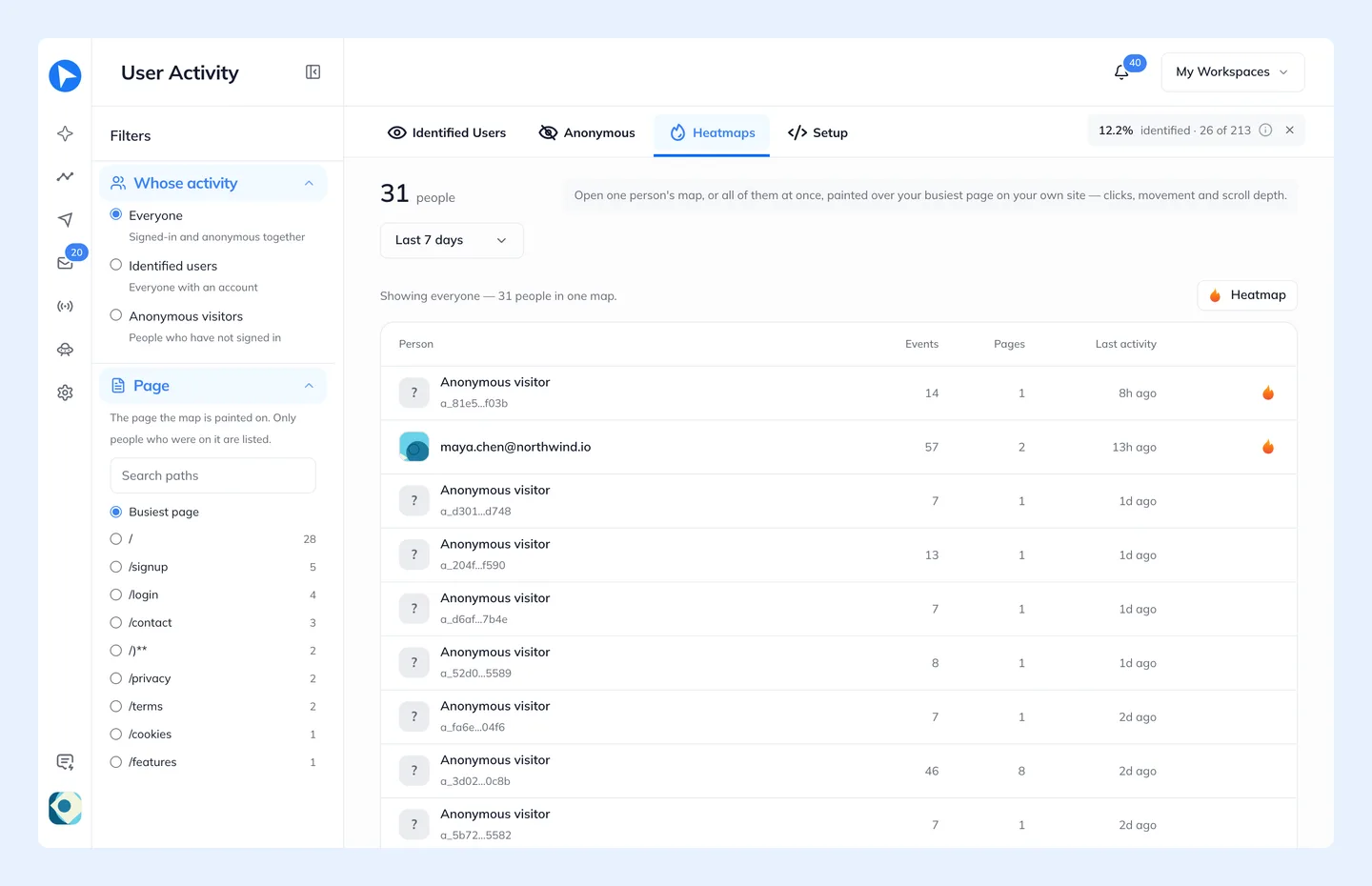
Heatmaps has its own entry in the left menu, under Insights. A heatmap is drawn over your own site, not inside Behavly: it opens your tracked domain in a new tab with an overlay painted on top of the real, live page.
The Heatmap button at the top of the page opens one map for everyone in Whose activity: everyone, only identified users, or only anonymous visitors. It opens on the page picked in Page, which is Busiest page unless you pick another. With several tracked sites, the map opens on the site that page belongs to.
Above the table, tiles and a chart sum up clicks, rage clicks, dead clicks and scroll depth over the date range.
The Four Layers
- Clicks
- Where people clicked.
- Rage clicks
- What people clicked at in frustration.
- Movement
- Where the pointer lingered.
- Scroll
- How far down each page people got.
Per-Person Heatmaps
Every row in the table has its own launchers in the Layers column: one icon for each layer that person left something on. Each opens the overlay on that layer, scoped to that one person, at the page where that layer of theirs is best seen. For an identified user, that covers every browser they used.
Viewing Links Expire
The overlay reads from a short-lived viewing link that expires after 30 minutes. If the overlay stops loading, open it again from Behavly to mint a fresh one. The link is short-lived on purpose: it grants read access to behavioural data, and a URL that lives in someone's browser history forever is a URL that leaks.
The overlay only shows what the snippet recorded on that page. A page the snippet is not installed on has no heatmap — it will open and paint nothing, which looks like a bug and is not one.
Most visitors never scroll far, so scroll and click data thin out sharply below the fold. That is a property of your visitors, not of the overlay.