
Everything on the Heatmaps page, every behavioural audience in a campaign, and every number in Insights comes from one script tag on your site.
Add The Domain
- 1Go to Tracking → Setup and press Add Website.
- 2Enter the domain you want to track. One tracked source per domain.
- 3Behavly generates a write key for that source and embeds it in a snippet.
The snippet is a single async script tag:
<script async src="https://behavly.io/t.js" data-pid="YOUR_WRITE_KEY"></script>Paste it into the <head> of your site. It is async, so it does not block rendering.
Install It On Your Signed-In Pages
The most common installation mistake is putting the snippet only on the marketing site. Behavly is about what your signed-in users do. If the snippet is not on your logged-in application pages, no identified users appear in the Heatmaps table no matter how much traffic you have.
Verify It
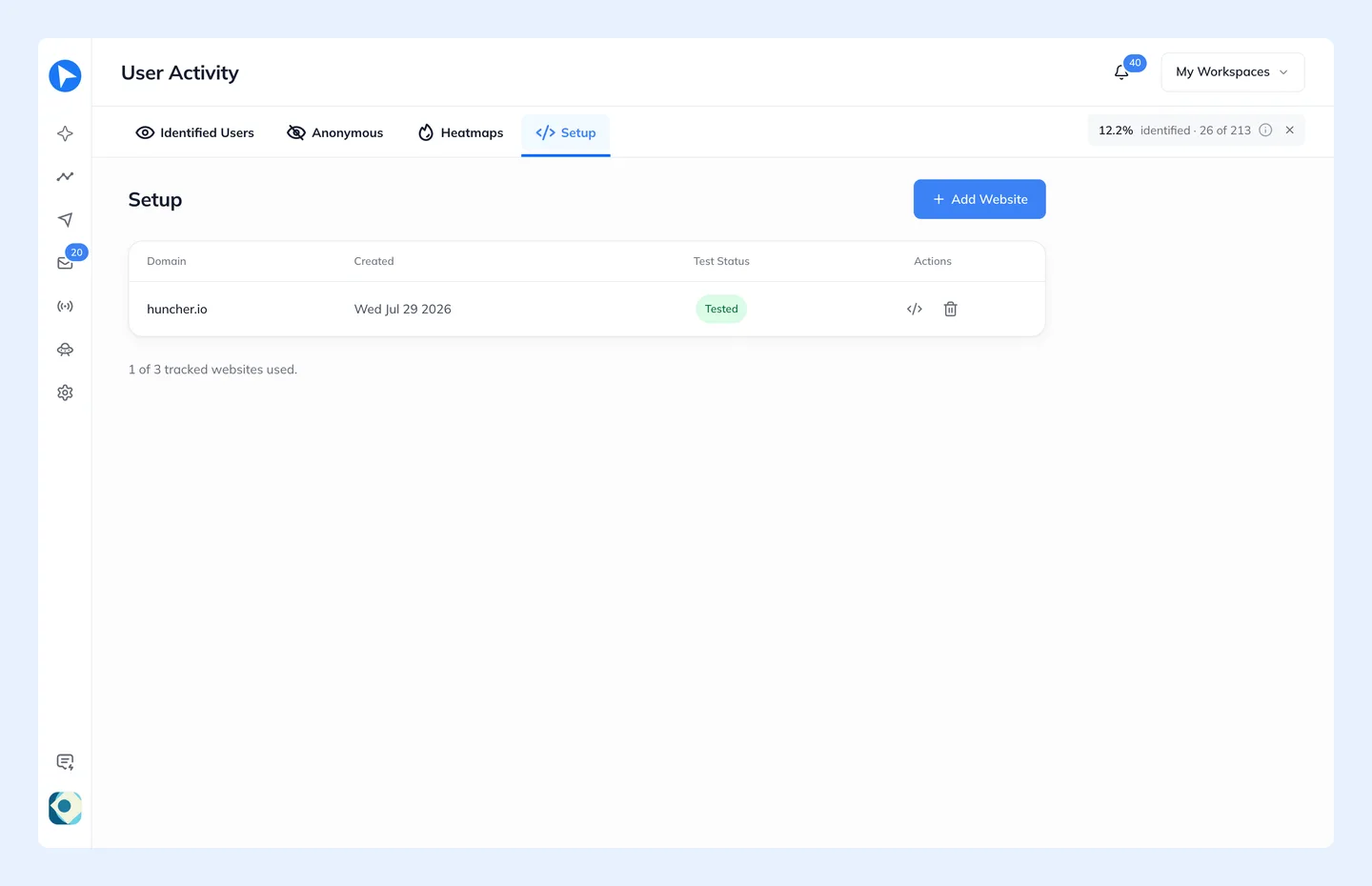
Press Test script. Behavly polls until it sees one of two things: real events arriving from that write key, or the snippet present in your page's HTML. A source then shows one of four states.
| State | What it means |
|---|---|
Not tested | The source was added but never verified. Behavly has not looked yet. |
Awaiting events | Verified — the snippet was found — but no events have arrived. Normal for a minute or two after install; suspicious after an hour. |
Tested | Verified and receiving events. This is the healthy state. |
Paused | You stopped ingestion for this source. Existing data is kept; new events are dropped. |
Clicking a domain in the list opens analytics for just that source.
Identity
You do not call an identify function. The snippet detects a signed-in session on its own and attaches the activity to that person, looking where a login leaves it in the browser:
- Your sign-in provider's session. Clerk, Supabase, Okta and Amazon Cognito are recognised from where each keeps its session in the browser, including Supabase sessions kept in cookies.
- Login tokens. Where a sign-in keeps an ID token in the page or in browser storage, the snippet reads its claims (email, name and picture) and never sends the token itself.
- Your site's own responses and account screens. When the session sits in a cookie scripts can't read, as with many server-side frameworks, it looks for the signed-in person's email in JSON responses from your own site and on account screens such as a profile menu.
- Lead forms. An email typed into a form with no password field, such as a newsletter, waitlist, contact or demo form, identifies that person as a lead. Sign-in forms are never used: the person is picked up from the session once the sign-in works.
For a setup none of these covers, behavly.identify("person@example.com") after sign-in names the person directly. Most sites never need it. What the snippet reads, and how to switch identification off, is in What The Snippet Collects.
View-only members can read the tracked sites and their snippets, but cannot add, test or delete a source.