
People who were signed in on your site when the snippet saw them. The snippet detects this from the session — you do not call an identify function.
They are listed in Tracking → Heatmaps, in one table with anonymous visitors. To see only them, set Whose activity in the toolbar to Identified users.
One Row Is One Person, Not One Browser
Several anonymous IDs belonging to the same email are merged into a single row. Someone who uses your product on a laptop and a phone appears once, with the activity from both attached.
This is the key difference from anonymous rows, and it is why the two counts are not comparable — see Why identified and anonymous counts don't add up.
What Each Row Shows
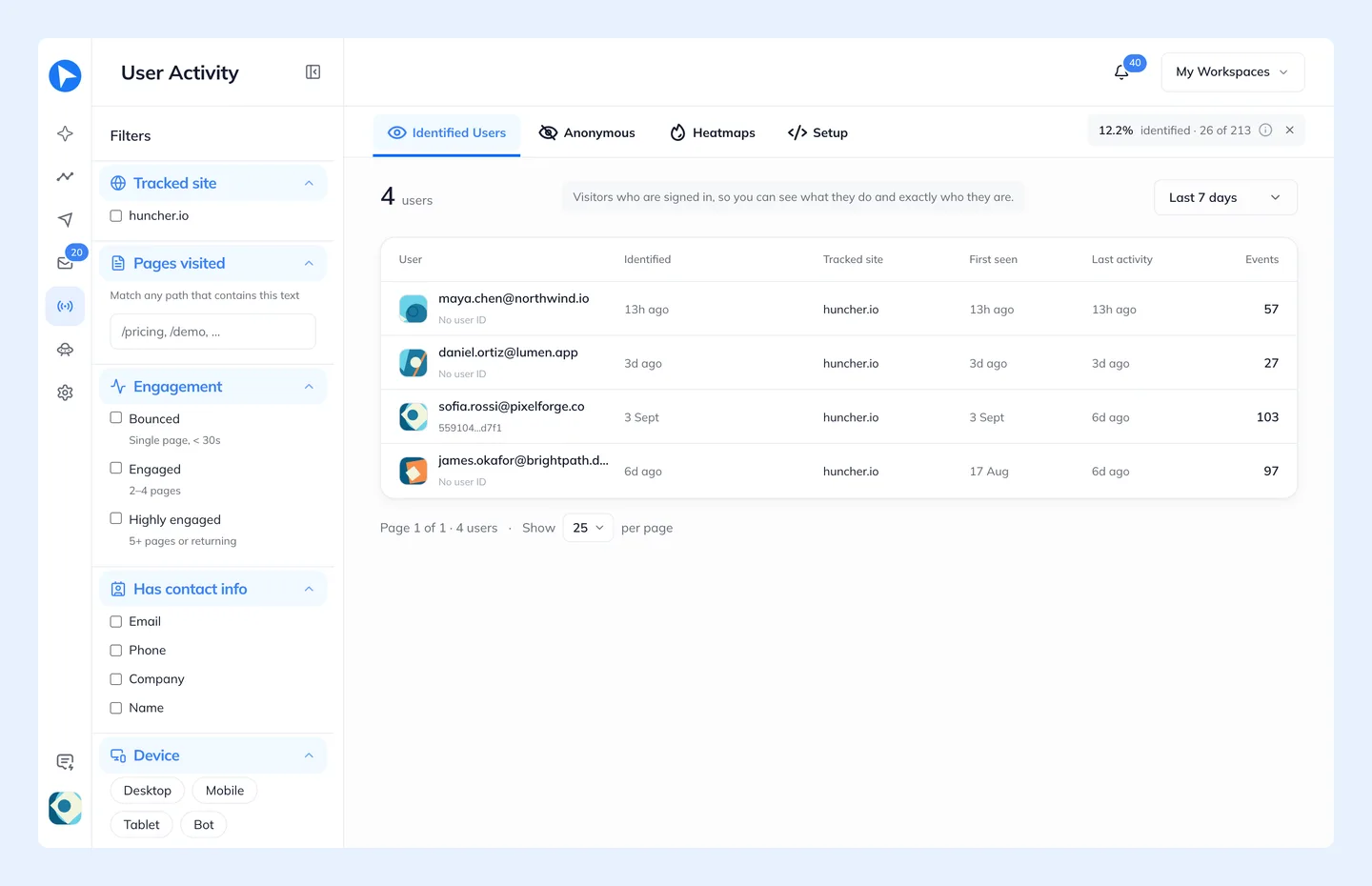
Who they are, when they were identified, when they were first seen and last active, how many events and pages they have, the device and country, and which tracked site the activity came from when you track more than one. View shows or hides columns.
The Layers column has an icon for each heatmap layer the person left something on. Each one opens that person's own map on that layer, across every browser they used.