 Behavly
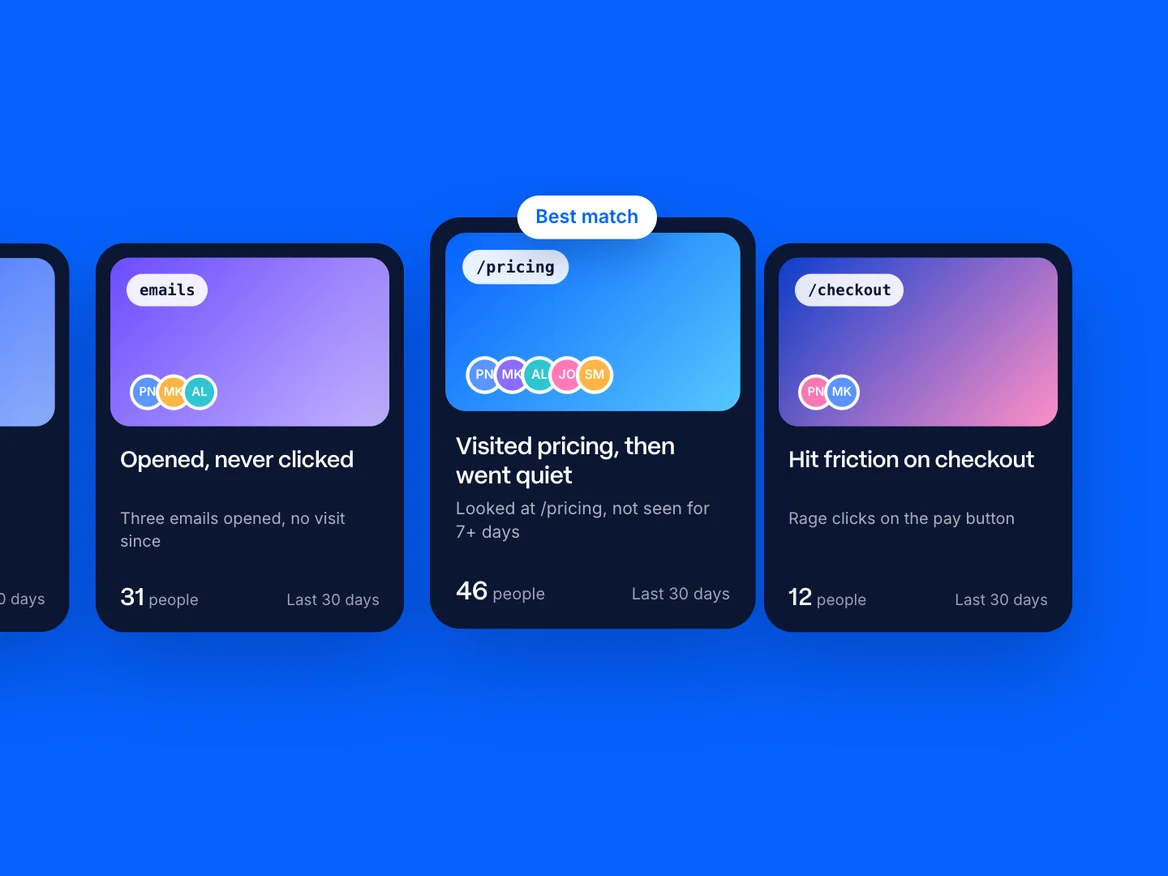
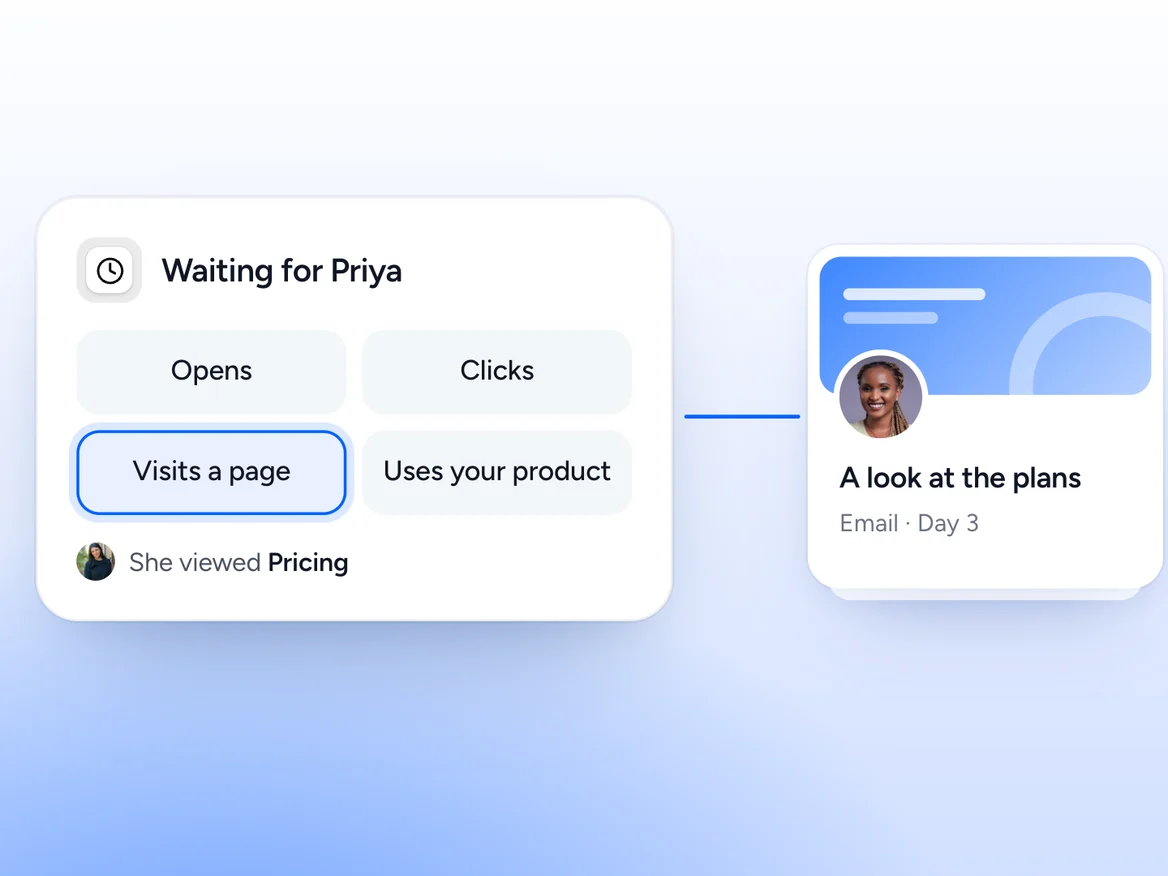
The @behavly/react-native package does in an app what the snippet does on a website: it records screen views, custom events and sign-ins, and sends them to the same site in Behavly. Someone who signs up on your website and then uses your app is one person.
Install
npx expo install @behavly/react-native @react-native-async-storage/async-storage @react-native-community/netinfo expo-device expo-constants expo-applicationWithout Expo, run npm install @behavly/react-native @react-native-async-storage/async-storage @react-native-community/netinfo, then pod install in the ios folder. Only AsyncStorage is required. NetInfo waits for a connection before sending. The three expo- packages add the device model, the app version and the bundle id.
Wrap the app in the provider with the write key of your website, from Tracking → Setup. Using the website's key puts the app's screens in the same Site activity as its pages.
import { BehavlyProvider } from "@behavly/react-native";

export default function App() {
  return (
    <BehavlyProvider pid="YOUR_WRITE_KEY">
      {/* your navigation and screens */}
    </BehavlyProvider>
  );
}
Screens
Each screen view is a page view at app://<bundle id>/<Screen>, so a screen called Home shows as the page /Home, titled Home.
React Navigation
import { NavigationContainer, useNavigationContainerRef } from "@react-navigation/native";
import { useBehavlyNavigation } from "@behavly/react-native";

function Navigation() {
  const navigationRef = useNavigationContainerRef();
  const behavly = useBehavlyNavigation(navigationRef);
  return (
    <NavigationContainer ref={navigationRef} onReady={behavly.onReady} onStateChange={behavly.onStateChange}>
      {/* … */}
    </NavigationContainer>
  );
}
Every screen is then recorded automatically, by its route name. Route params are not sent.
Expo Router
In app/_layout.tsx, inside the provider, render a component that calls useBehavlyScreen(usePathname()). The pages then match your routes, such as /products/42.
One Screen At A Time
import { useBehavlyScreen } from "@behavly/react-native";

export default function HomeScreen() {
  useBehavlyScreen("Home");
  // …
}
Events And Sign-Ins
import { useBehavly, useBehavlyTrack } from "@behavly/react-native";

const track = useBehavlyTrack();
track("upgrade_click", { plan: "pro" });

const { identify, reset } = useBehavly();
await identify(user.email, { name: user.name }); // after sign-in, and on each app open while signed in
reset();                                          // on sign-out
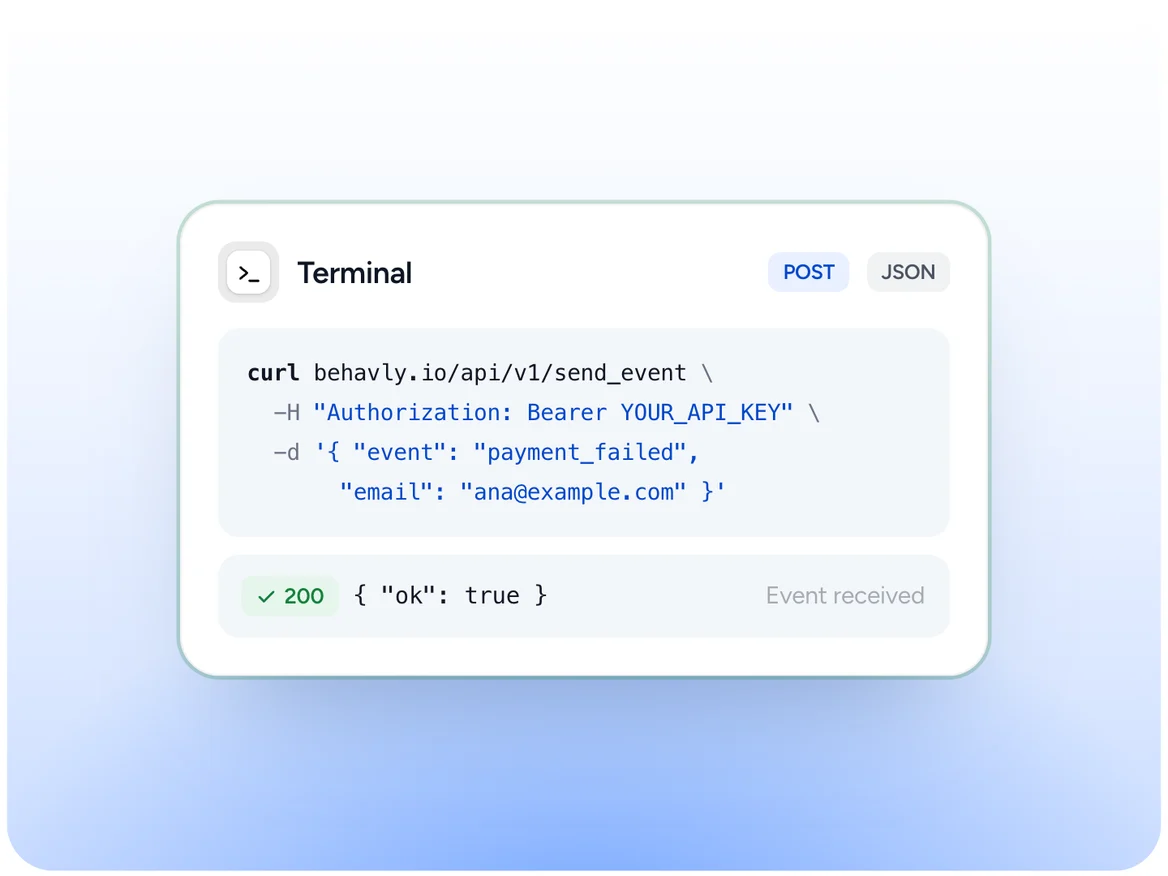
Custom events work like behavly.track() on your website: they can be used as goals and in audiences, and they can start Agents. If a different person signs in on the same phone, the app starts a new visitor for them, and the first person's history stays with the first person.
Web To App
Call identify with the same email in the app as on your website. The snippet usually detects website logins by itself. Where it doesn't, call behavly.identify(email).
- The browser and the app are two visitors, one per device. Identifying adds the email to each, and adds that device's earlier anonymous activity to the person.
- Behavly matches people by email across all your sites. In Heatmaps & Tracking, audiences and campaigns, the person's website and app activity are one row, added together. It doesn't matter which side identifies first.
- If the email belongs to one of your contacts, both devices are linked to that contact, and emails written from their behaviour draw on both.
- The person counts once toward your plan's tracked contacts.
A funnel follows one visit, and a website visit and an app visit are always separate visits. To see the whole journey, look at the person, or at an audience built from what they did.
In Your Reports
- Pages
- Screens appear as pages like
/Home. Their hostname is your bundle id, so the Hostname filter in Site activity separates app traffic from website traffic. - Browser, OS, device
- iOS app or Android app with your app's version, the phone's operating system, and phone or tablet.
- Visits
- The same rule as the website: a visit ends after 30 minutes without activity, after 4 hours, or at midnight. Opening the app after that starts a new visit.
- Time on screen
- Counted while the app is open on that screen, up to 30 minutes at a stretch.
- Page views
- Screen views by people who haven't been identified count toward your plan's monthly page views, like website page views.
Privacy And Offline
- The app never sends the phone's name, an advertising ID or its location. The country is worked out from the request, and the IP address is discarded.
- The only email it sends is the one you pass to identify.
optOut()stops all recording on that phone, and keeps it stopped after a restart.optIn()turns recording back on.- Offline, up to 1,000 events wait on the phone and are sent when it's back online. Events older than 7 days are dropped.