 Behavly
Behavly vs Loops
Loops sends the emails your team writes, priced per subscribed contact. Behavly tracks signed-in users and writes each follow-up for one person. Side by side.
Behavly is behavior-based email for SaaS and other products people sign in to. It records what each signed-in user does in your product, and Behavly Agent writes follow-up emails for one person at a time from that activity, sent from your own mailbox or email service. Loops is a simple email platform for SaaS: your team writes the newsletters, transactional email and event-triggered loops, and Loops sends them from its own infrastructure for a price per subscribed contact.
Behavly is our product, so every Behavly claim on this page comes from its Help Center and every Loops claim from Loops’ own pages.
Why teams pick Behavly over Loops
- Each Behavly Agent email is written for one person. Two people at the same step get different emails, each about what they did. In Loops, your team, or an outside AI agent, writes one version per step.
- No event plan before the first campaign. A single script tag captures each signed-in user’s page views, clicks, pointer movement and scrolling, without an identify call. Loops acts on the events you send it.
- Describe the path instead of building it. Tell Behavly in a sentence who it’s for and what each email should achieve; it sets out the emails, waits and branches for you to check.
- Heatmaps for one person. See where a single user clicked and stopped scrolling, in the same tool that writes to them.
- Help with replies. Replies land beside the sender’s activity, and Behavly drafts an answer from the thread for you to edit and send.
- Each reader’s language. Behavly detects it and writes in it, from 23.
Behavly and Loops at a glance
Loops details come from its pricing page and docs, read on October 10, 2026. Behavly details come from our plans and Help Center.
| Behavly | Loops | |
|---|---|---|
Pricing starts at | Free; Starter $79/month (2,500 tracked contacts) | Free; paid from $49/month (5,000 contacts) |
Priced on | Fixed monthly plans; each includes a set number of tracked contacts (leads included) and personalized emails a month, and template emails are unlimited | Subscribed contacts, with unlimited sends on paid plans |
Free plan | 100 tracked contacts, 50 personalized emails a month, 1 mailbox, every campaign type, no card, no time limit | Sends to your 1,000 newest contacts, up to 4,000 sends per rolling 30 days, “Powered by Loops” footer, no card |
Behavior tracking | A script tag captures each signed-in person’s page views, clicks, pointer movement and scroll depth, no identify call needed; product actions via behavly.track, and events from your backend with send_event | Events you send through the API or integrations such as Segment, RudderStack and PostHog |
Heatmaps | Four layers painted on your own site, for all users or a single person, on every plan | None listed on the Loops pages we checked |
Workflow builder | Paths that start for a group of people, once or always on, or the moment an event arrives from your backend or site, all on every plan; emails, waits and branches on opened, clicked, logged in, visited a page, replied or did a product action; describe it in words or build it step by step; A/B test any email step | Triggers on contact added, updated, added to a list or event received; email, timer, audience filter, branch and experiment steps |
Who writes the emails | Behavly writes each one for one person from their activity; or your own template, sent as designed | Your team, or an external AI agent through Loops’ MCP server, CLI or agent skills |
Languages | 23, with each person’s language detected | The language you write in |
Sends from | Your own mailbox (Gmail, Zoho, any IMAP/SMTP host) or one of eight email services connected by API key, such as Resend, Amazon SES or Postmark | Loops’ infrastructure, on your domain |
Ways to connect | Its own snippet, send_event from your backend, a REST API and an MCP server | Segment, Stripe, Zapier, Make, Supabase, Clerk, PostHog, RudderStack, Fivetran, HubSpot |
AI features | Per-person writing, patterns described in plain words, paths built from a description, AI reply drafts, AI email designs from your brand, weekly path review, MCP server | No in-editor AI writer documented; MCP server, CLI, agent skills and LMX markup for external agents |
Approval before sending | Optional on every campaign: Review holds each email Behavly writes until you release it | You write and publish each email yourself |
How each one works
Behavly
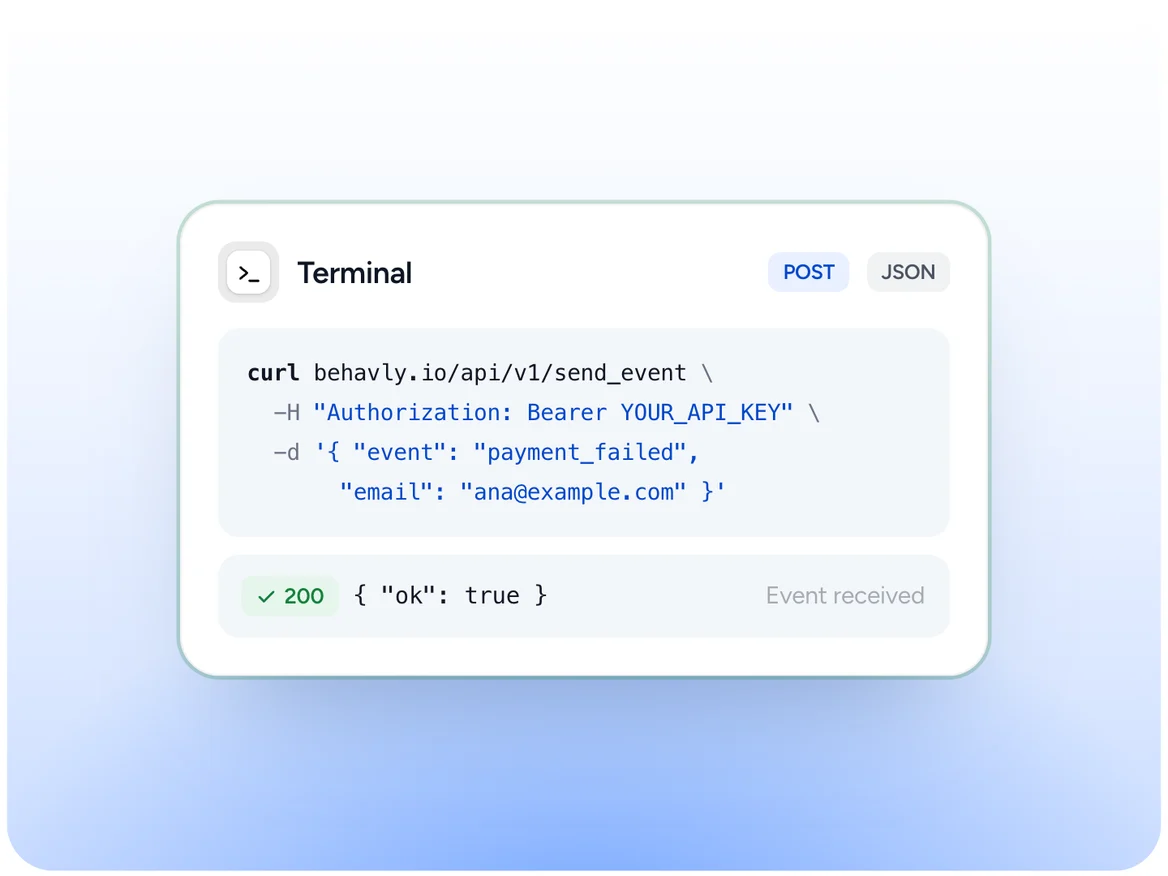
Behavly starts from what people do, without needing events from you. Its script tag picks up what each signed-in person views, clicks and scrolls, and where the pointer moves, with one profile per person across laptop and phone. No identify call is needed. Product actions such as project_created can be added with behavly.track, and your backend can send events with send_event, such as a failed payment, to start a Trigger Campaign the moment they arrive.
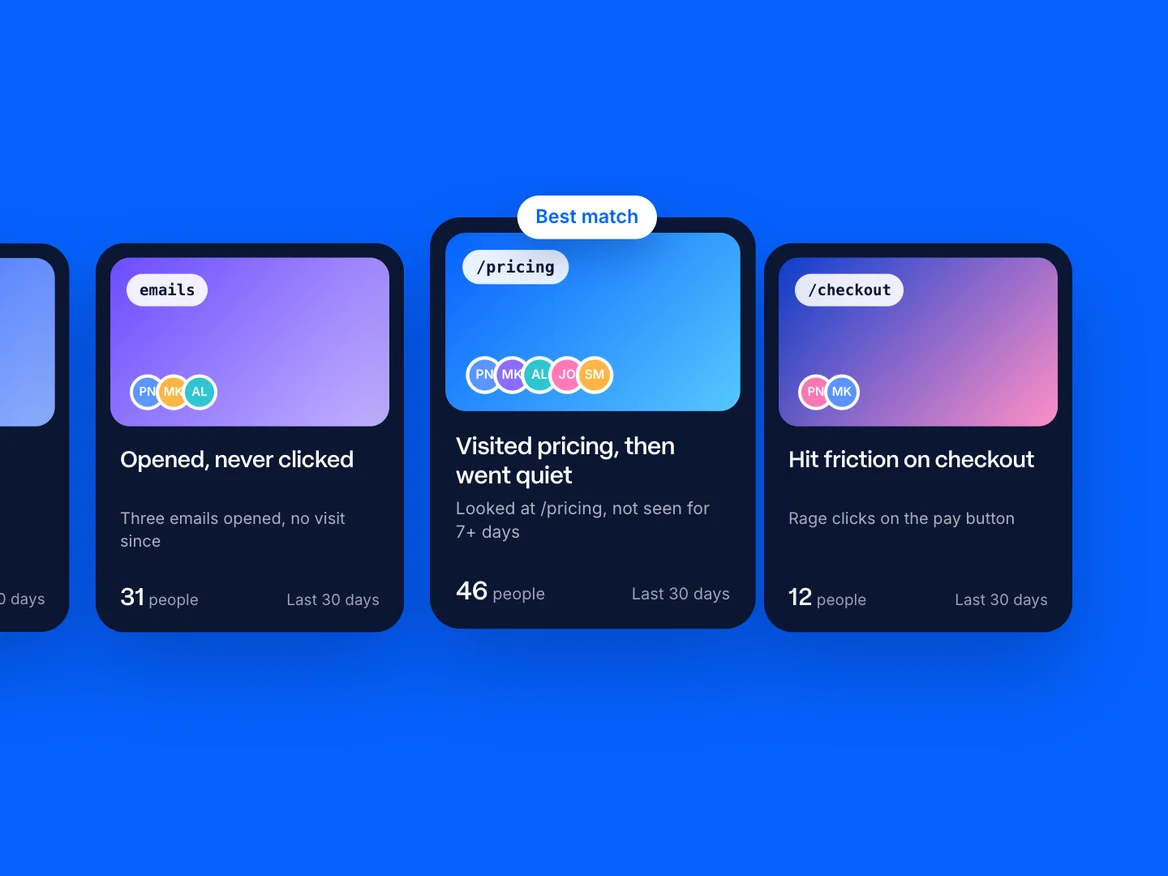
Here is one follow-up from start to finish. A new user signs up and stalls halfway through setup. Behavly may already show them in a pattern of people who got stuck. If not, you describe the group in plain words and see who’s in it before saving.
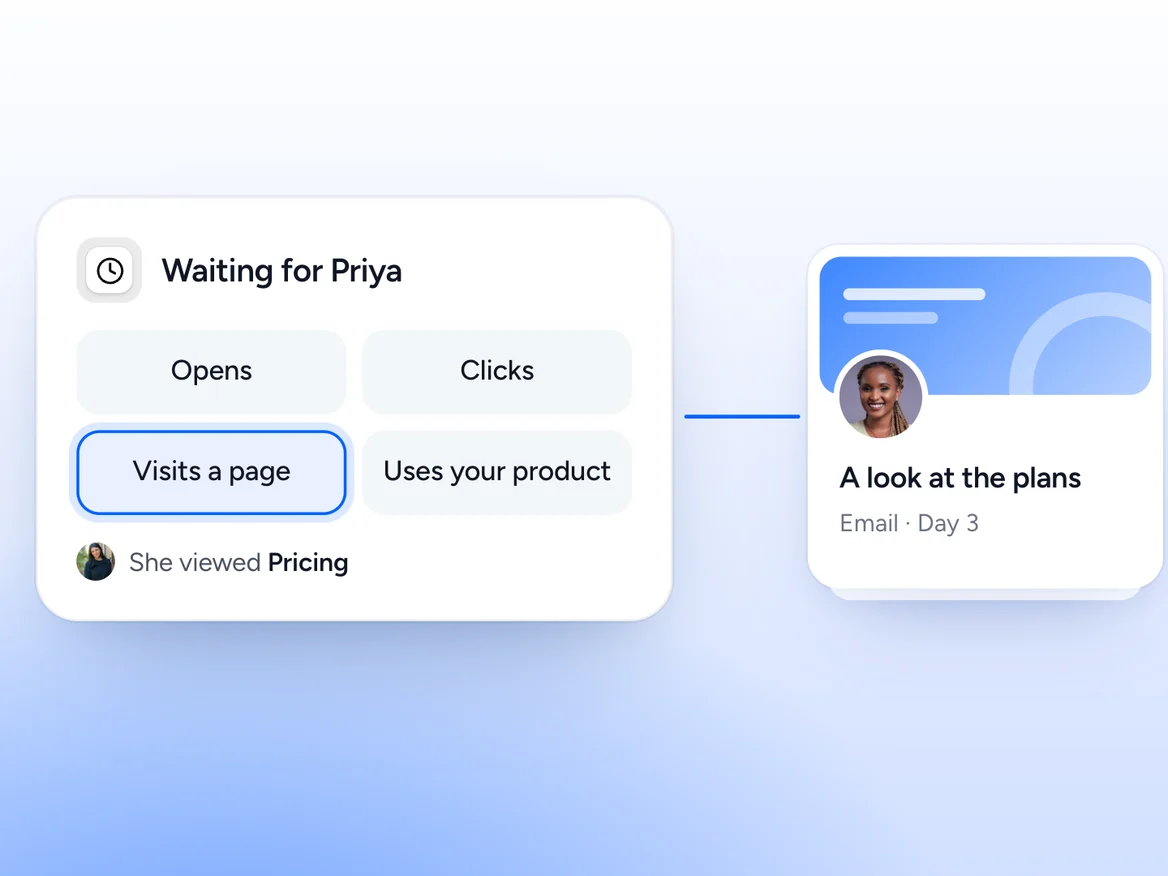
That group becomes who enters a Pattern Campaign set to Always on. It keeps running and takes in each person the moment they qualify. Their path might wait two days, then branch on whether they logged in again.
If they didn’t, Behavly writes the next email from what that person did in your product, and it goes out from your own mailbox or email service. When they reply, the reply lands in the Inbox with their activity attached, and by default it takes them off the path.
Subject: Connecting Slack to Tallyboard
Hi Sam,
You set up your first board on Tuesday and added the three metrics your team tracks, then stopped at the Slack step.
Connecting a channel takes one click from the board’s settings, and the morning summary starts arriving the next day.
Connect Slack: [link]
Maya
Written from Sam’s own activity and sent from Maya’s mailbox. With Review on, you read it before it goes.
Set to Once instead, the campaign takes the people in the group when it starts along the same path, then stops by itself.
Loops
Loops puts marketing email, product email and transactional email in one tool. Its automated workflows, called loops, start when a contact is added or updated, or joins a list. They also start when an event arrives from your code or an integration such as Segment, RudderStack or PostHog. From there, people move through emails, timers, audience filters, branches and experiments.
Your team writes each email in the editor, or an AI agent writes it through the MCP server, CLI or LMX markup. Everything sends from Loops’ infrastructure on your domain, and transactional email goes through its API or SMTP.
What you pay for
Loops charges per subscribed contact, from $49/month for 5,000, with unlimited sends on paid plans, and your team supplies the copy. Behavly bills tracked contacts, and every plan includes tracking, heatmaps, unlimited always-on and Trigger Campaigns, and a monthly allowance of emails Behavly writes for you. Templates sent exactly as designed are unlimited.
| Plan | Price | Tracked contacts | Personalized emails a month | Behavior data kept |
|---|---|---|---|---|
Free | $0 | 100 | 50 | 30 days |
Starter | $79/month | 2,500 | 2,000 | 90 days |
Growth | $249/month | 10,000 | 8,000 | 180 days |
Scale | $699/month | 40,000 | 30,000 | 365 days |
Using both
Running both works well when each tool has its own job. Loops keeps the newsletters, product announcements and transactional email such as receipts and password resets, at its per-contact price.
Behavly takes the follow-ups that should read like a note from a person. Think of an onboarding nudge, a trial check-in or a question to someone who went quiet. Each is written from that user’s activity and sent from a founder’s or account manager’s mailbox.
- Give each tool its own job, so nobody gets a newsletter and a follow-up about the same thing on the same day.
- Keep unsubscribes in step. The two don’t sync, so someone who opts out in one should be removed from the other.
- Count people once per tool. Each bills on its own contact count, so someone in both appears in both.
If you move from Loops to Behavly
- 1Add the snippet to your signed-in app in Tracking → Setup, so there’s behavior to write from. Contacts you import appear right away and pick up activity the next time they visit.
- 2Import your contacts from a CSV in Audience. Leads count toward your plan’s contact limit too, so check the size of the file against your plan first.
- 3Connect where you send from in Settings → Email: a mailbox such as Gmail, Zoho or any IMAP/SMTP host (Gmail needs an app password), or an email service such as Resend, Amazon SES or Postmark by API key.
- 4Leave receipts and password resets where they are. Keep them on the provider that sends them today, and let Behavly take over the follow-ups.
Still weighing more than two tools? Our Loops alternatives page covers six more, alternatives to Encharge looks at the billing-driven side, and our pick of the best behavioral email tools covers the whole category.
Questions
- How does Behavly’s price compare with Loops?
- Behavly has a free plan for 100 tracked contacts with no time limit, and paid plans start at $79 a month for 2,500 tracked contacts, with Growth at $249 for 10,000. Every plan includes tracking, heatmaps and a monthly allowance of personalized emails Behavly writes for you. Loops starts free for your 1,000 newest contacts, then charges per subscribed contact from $49 a month, and your team writes the copy.
- Can I keep Loops for receipts and newsletters?
- Yes. One sensible split is Loops for newsletters, announcements and transactional email such as receipts and password resets, and Behavly for follow-ups written from each user’s activity and sent from your own mailbox or email service. The two don’t sync, so keep unsubscribes in step between them.
- Does Loops write emails with AI?
- Loops lists no AI writer in its editor. External agents can write for it instead, through its MCP server, a CLI, agent skills for Claude Code, Codex and Cursor, or LMX markup. Behavly writes each email itself, for one person, from their activity.
- Do I need to send events to use Behavly?
- No. The script tag already captures what each signed-in user views, clicks and scrolls, with no identify call. You can add product actions with
behavly.trackwhen you want a path to branch on them, or send events from your backend withsend_eventwhen you want a Trigger Campaign to start on them.